Examples & Learning

Real tools, built to solve real problems

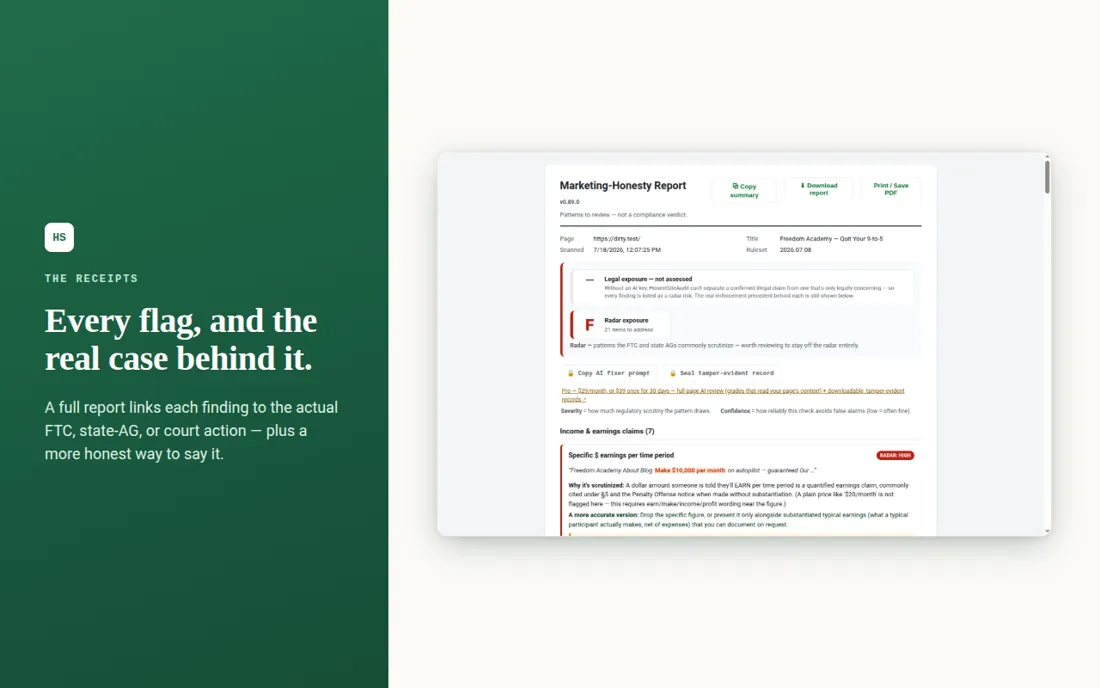
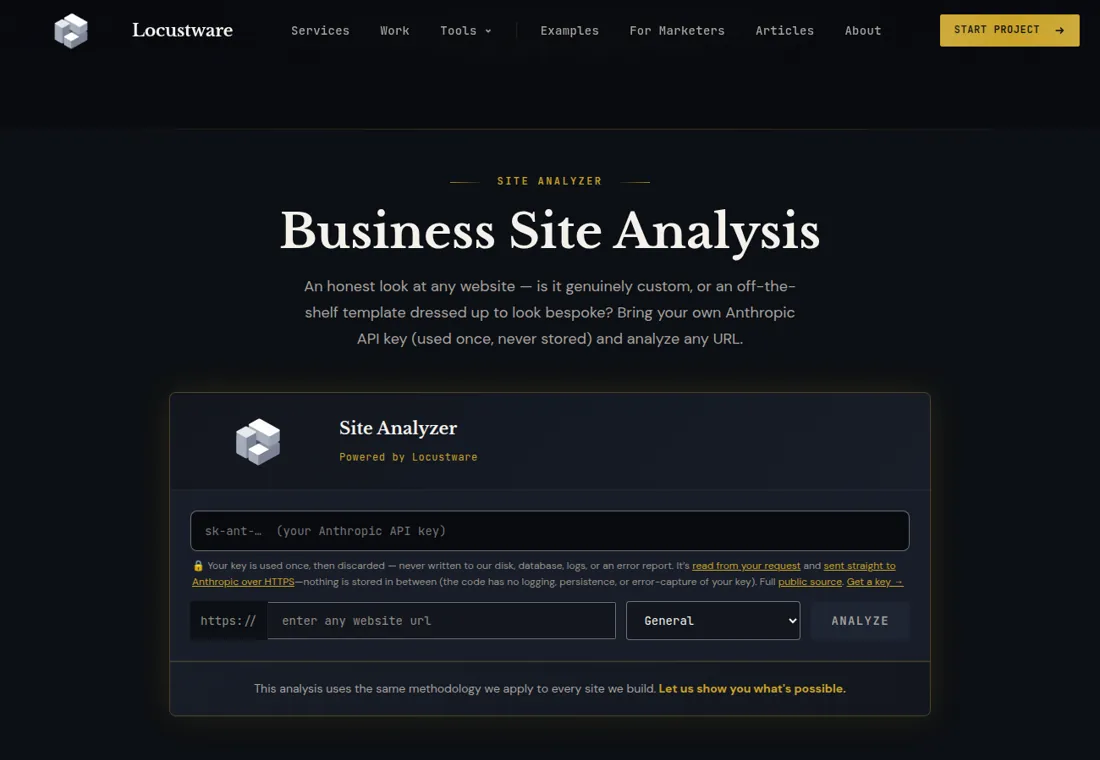
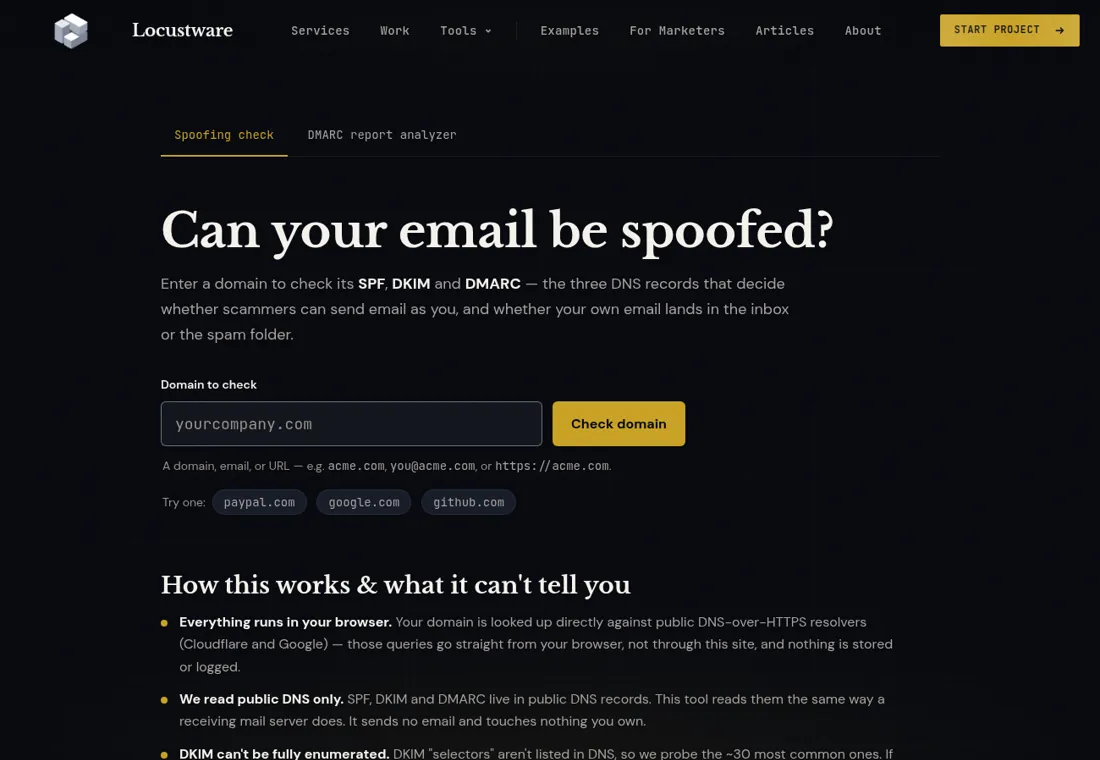
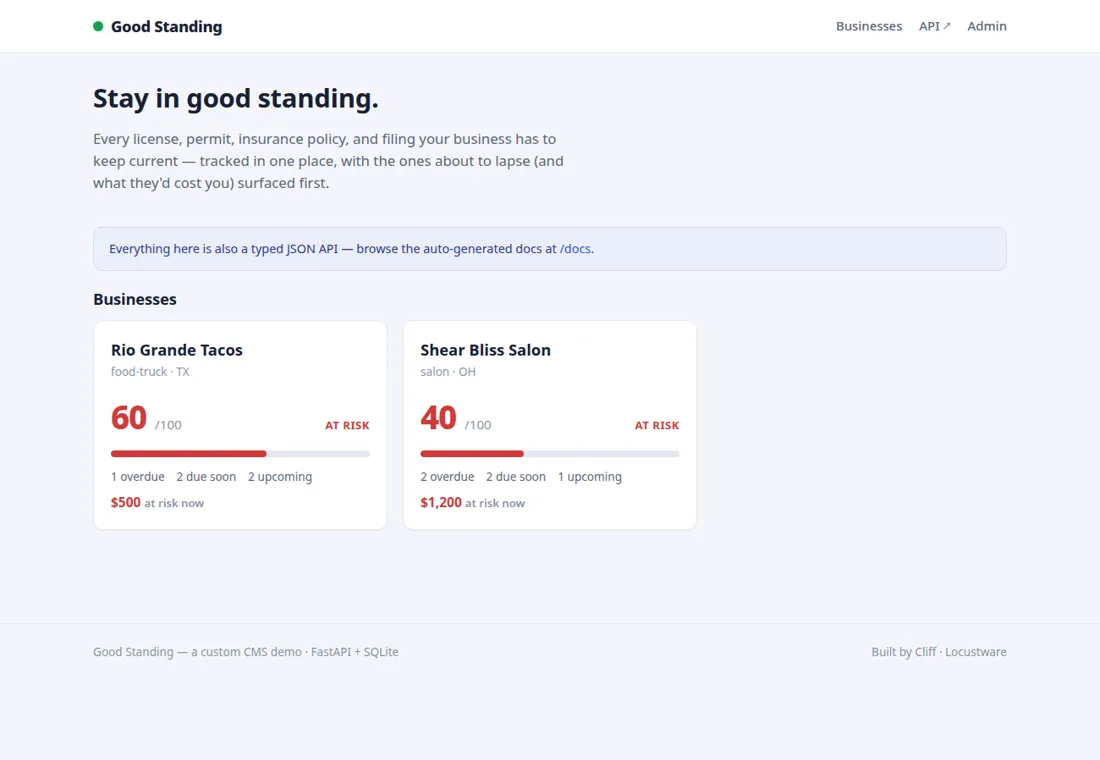
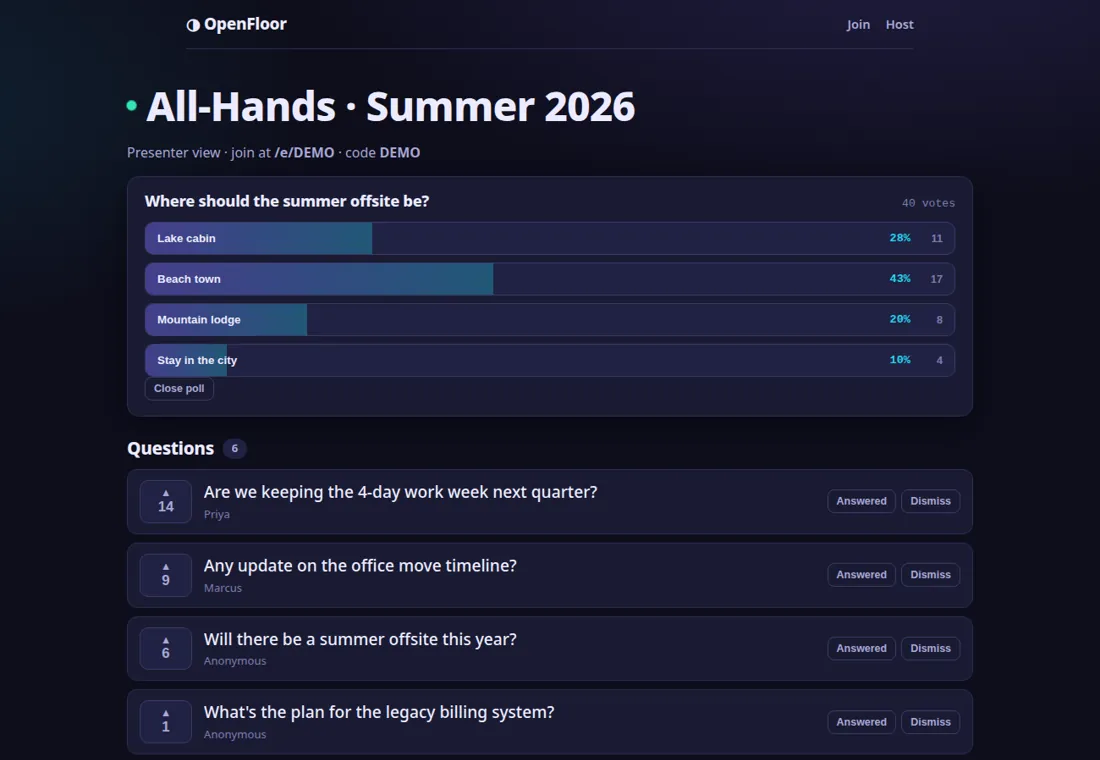
These aren't demos or portfolio filler. Each is working software I built to solve a real problem — three shipping WordPress plugins, plus a full-stack web app: a live, AI-powered site analyzer (PHP · React · Claude vision) you can try right now. Focused, honest, ship-ready. Here's what each does, the problem behind it, and how it's built — with the full source browsable on GitHub (and a downloadable zip) on each.

01

Preflight

Deploy Readiness

Answers one question before you ship: will THIS code run on THAT host?

WordPress pluginPHP 7.4+v0.5.0
The problem

You build on your own machine, it works perfectly, you hand it over — and it fills the client's screen with errors, because their host runs an older PHP than yours. WordPress's own Site Health only inspects a single environment; PHP compatibility checkers only lint code in isolation. Neither answers the question that actually matters before you deploy.

The approach

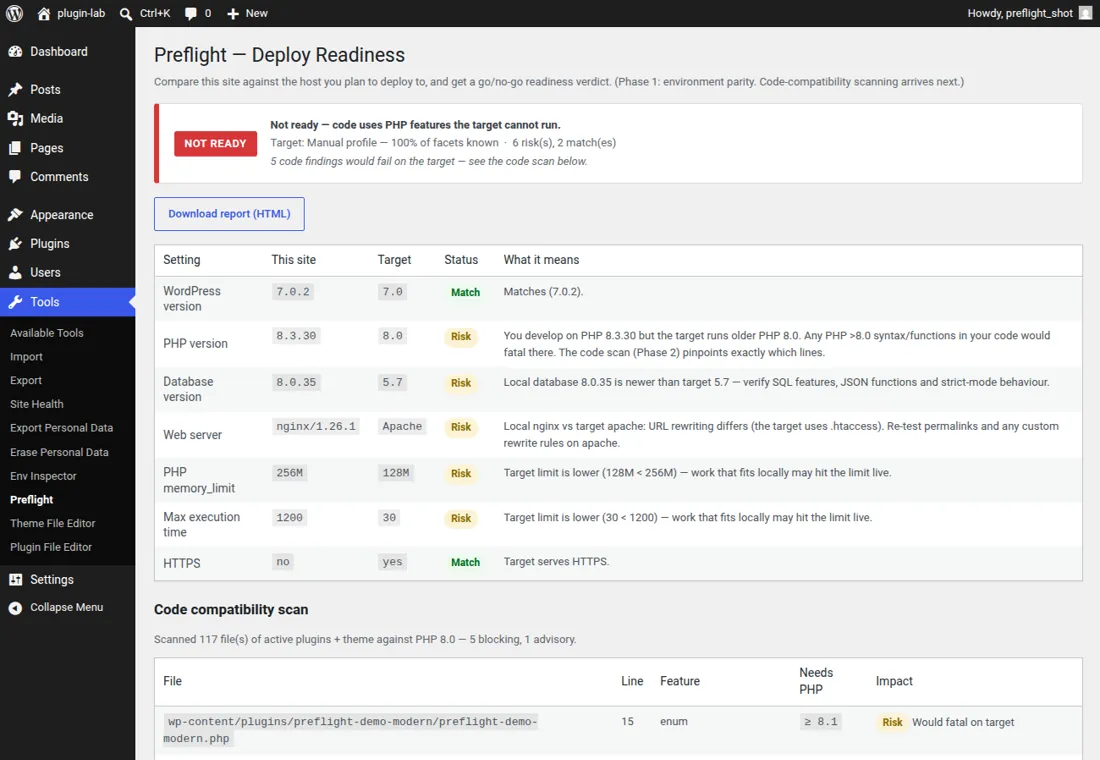
Two tools that normally live apart — Site Health inspects one environment, PHP-compat linters check code in isolation — fused into one go/no-go answer. The scanner is a from-scratch, dependency-free tokenizer so it runs on any host, and it escalates automatically to PHP_CodeSniffer with the PHPCompatibility standard when a host can support it.

What it does
  • Environment parity diff — compares PHP, database, web server, memory and time limits, HTTPS and WordPress version between your site and the target, colour-coded match / risk / unknown with a plain-English consequence for each row.
  • Dependency-free code scanner — a tokenizer engine flags version-sensitive syntax and functions across PHP 7.4 through 8.4 that the target can't run, down to the file and line.
  • A single verdict — READY, CAUTION or NOT READY. Code that would fatal on the target turns the whole verdict red.
  • Progressive target detection — an authenticated companion probe, passive HTTP auto-detect, a pasted Site Health export, or a manual host profile, whichever access you happen to have.
  • Exportable readiness report — a self-contained, printable HTML document you can hand a client as proof you checked their environment before shipping.
02

Evergreen Recycler

Honest content resurfacing

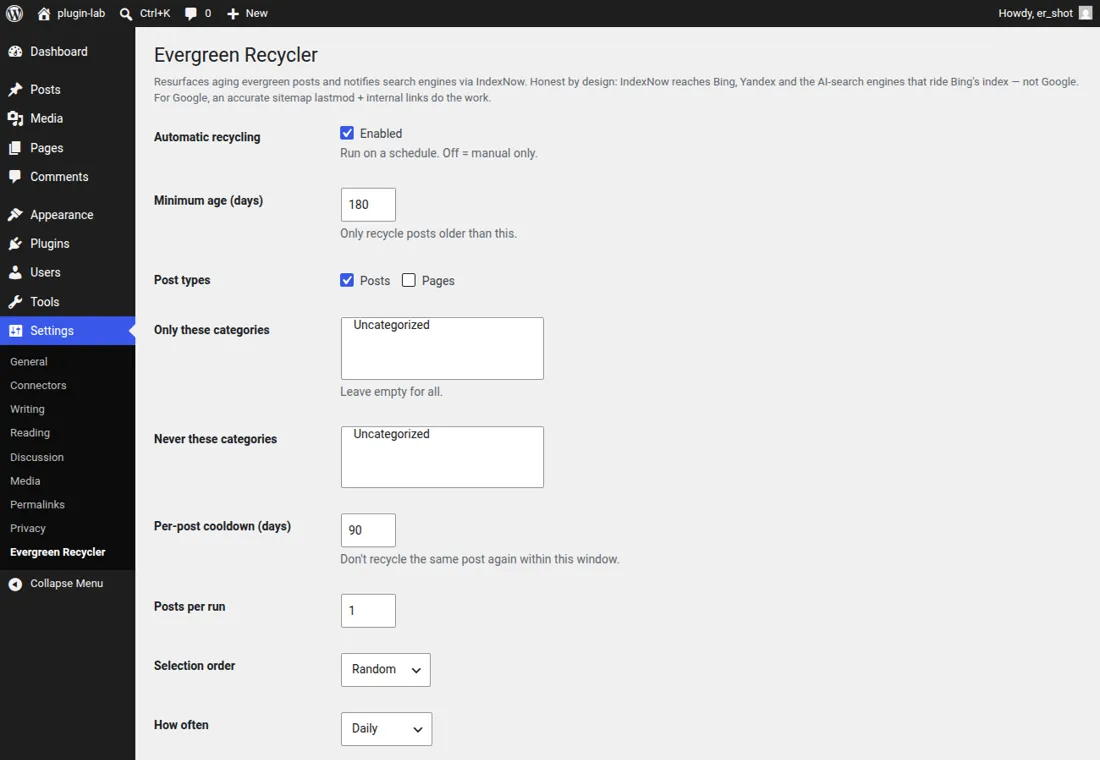
Keeps your best older content working — honestly, without faking dates.

WordPress pluginPHP 7.4+v0.4.0
The problem

You're sitting on years of genuinely good posts buried on page 14 of the archive, invisible to new readers and long abandoned by search crawlers. The common 'fix' is to fake publish dates so old posts look new — which does nothing for Google and can backfire. The honest play is to resurface what's still worth reading and be straight about when it changed.

The approach

Built honesty-first: it refuses the date-faking dark pattern by default, disables re-floating automatically on date-based permalinks so it can never break your URLs, and keeps the AI strictly advisory behind your own key. Every automated pass is logged, so you can go back and do a real content pass on the ones worth it.

What it does
  • Stale-content radar and Refresh Queue — scores every post by real reasons to refresh (dead links, dead images, years that have aged out) and surfaces the worst first.
  • Honest freshness signals — bumps the modified date, sitemap lastmod, a 'Last updated' label and schema dateModified while preserving the true original publish date. It never fakes 'new'.
  • Native IndexNow with virtual key hosting — notifies Bing, Yandex and the AI-search engines that ride Bing’s index within moments of an update, serving the key file dynamically so nothing is written to your web root.
  • Optional Google Search Console connection — targets the posts actually losing traffic and measures the before and after.
  • Optional AI refresh — Claude drafts specific, honest update suggestions using your own API key; it only suggests, and never edits or publishes your posts.
03

Failsafe

Verified restore points

Restore points proven to restore — before the day you actually need them.

WordPress pluginPHP 7.4+v0.1.0
The problem

Every backup plugin makes a backup. Almost none of them ever check that the backup actually restores — you find that out on the worst possible day, when the zip is corrupt or the database dump won't import. 'I have a backup' and 'I have a backup I've proven restores' are completely different things.

The approach

The whole design is about making the undo real: it test-restores databases and integrity-checks archives rather than trusting them, is honest about which strength of 'verified' applies to each point, and ships a ZipArchive / PclZip archive layer so it runs even on hosts without the PHP zip extension.

What it does
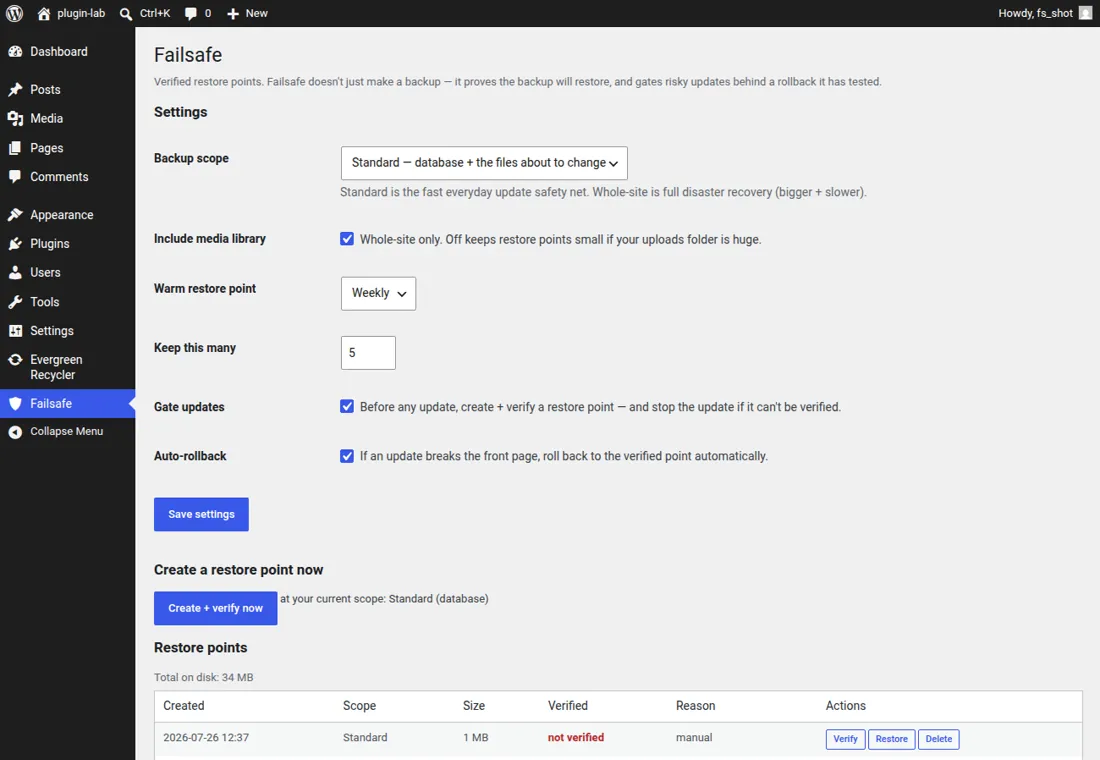
  • Verified restore points — the database is genuinely test-restored into throwaway scratch tables and every file in the archive is read back and checked. A point isn't trusted until it's proven.
  • Update gate — before any core, plugin or theme update it creates and verifies a restore point, and stops the update if it can't be verified.
  • Automatic rollback — if an update breaks the front page, it restores the proven point on its own and tells you what happened.
  • Two scopes, one toggle — Standard (database plus the files an update is about to change) or Whole-site (the entire install).
  • Stays warm — keeps a freshly-verified restore point on a schedule, so there's always a tested undo ready.
04

Custom Authentic

Site authenticity analyzer

Tells you — honestly — whether a website is genuinely custom-built or an off-the-shelf template dressed up to look bespoke.

Live web toolPHP + Claude visionFree
The problem

Plenty of shops charge custom-build prices for a lightly-reskinned template, and most business owners have no way to tell the difference. There was no quick, honest way to ask 'is this site actually custom, and is it any good under the hood?' without hiring someone to audit it.

The approach

A small PHP endpoint on the same host as the site — no separate server to babysit. It fetches and fingerprints the page, captures a screenshot with headless Chrome, and hands both to Claude for an honest visual and structural assessment. It degrades gracefully: with no screenshot capability it simply runs screenshot-free rather than faking visual scores.

What it does
  • Real capture and vision — it screenshots the live site and an AI model actually looks at it, scoring design quality, professionalism and originality from what it can see.
  • Template-vs-custom verdict — platform fingerprinting plus the visual read produce an honest authenticity score, not a sales pitch.
  • Technical foundation — load speed, security headers, SEO health and the detected tech stack, each graded.
  • Honest by design — when it can't assess something it says so, and it never fabricates a score for what it couldn't see.
  • Free and self-serve — enter any URL and get a full report you can print or save as PDF.
Let's build yours

Have a problem worth solving?

These started as itches I decided to scratch properly. If you've got one of your own — a workflow that's fighting you, a tool that doesn't exist yet — that's exactly the work I do.

Let's talk